▸ Quick Start
> Hardware Installation
Base Connection#
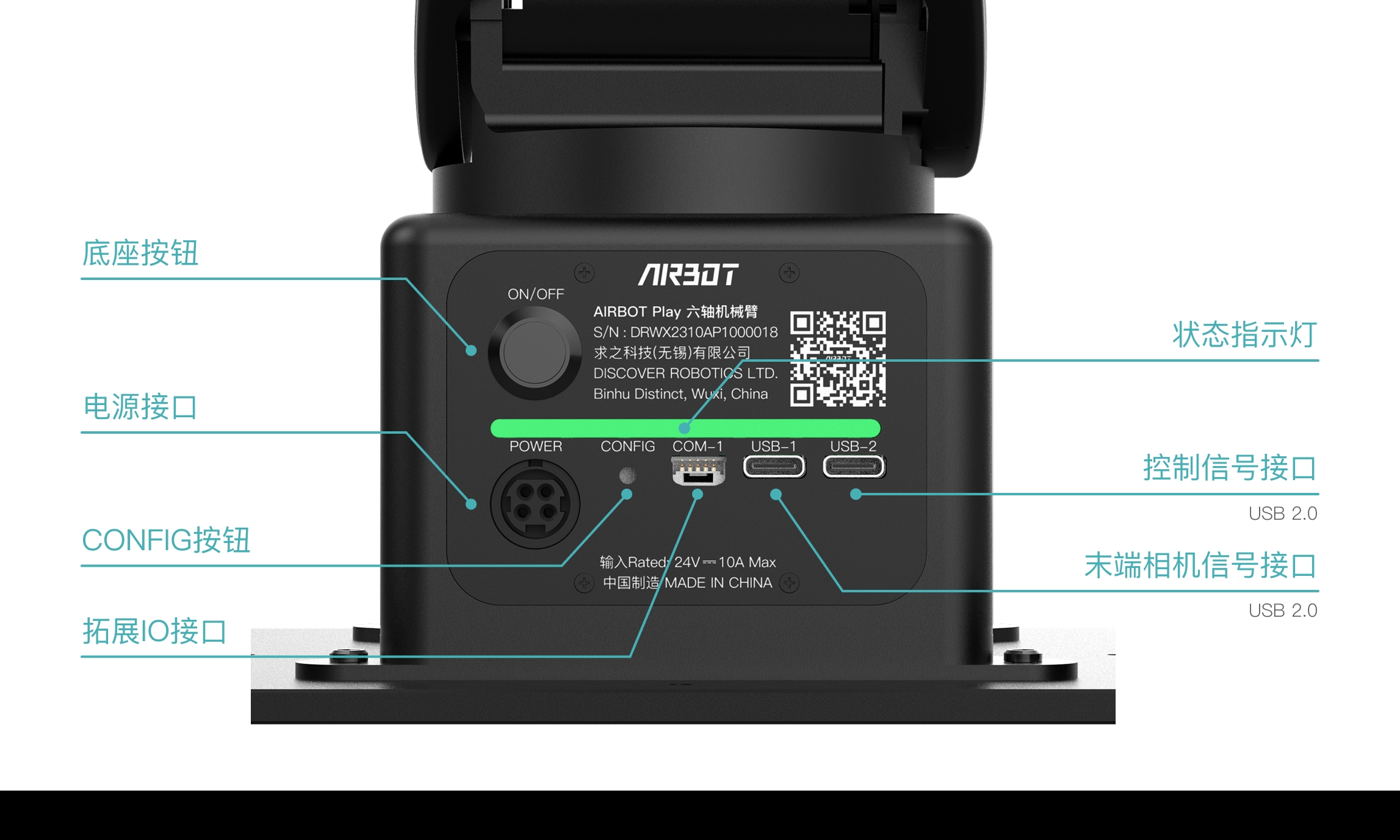
The base-panel interfaces are shown below:
-
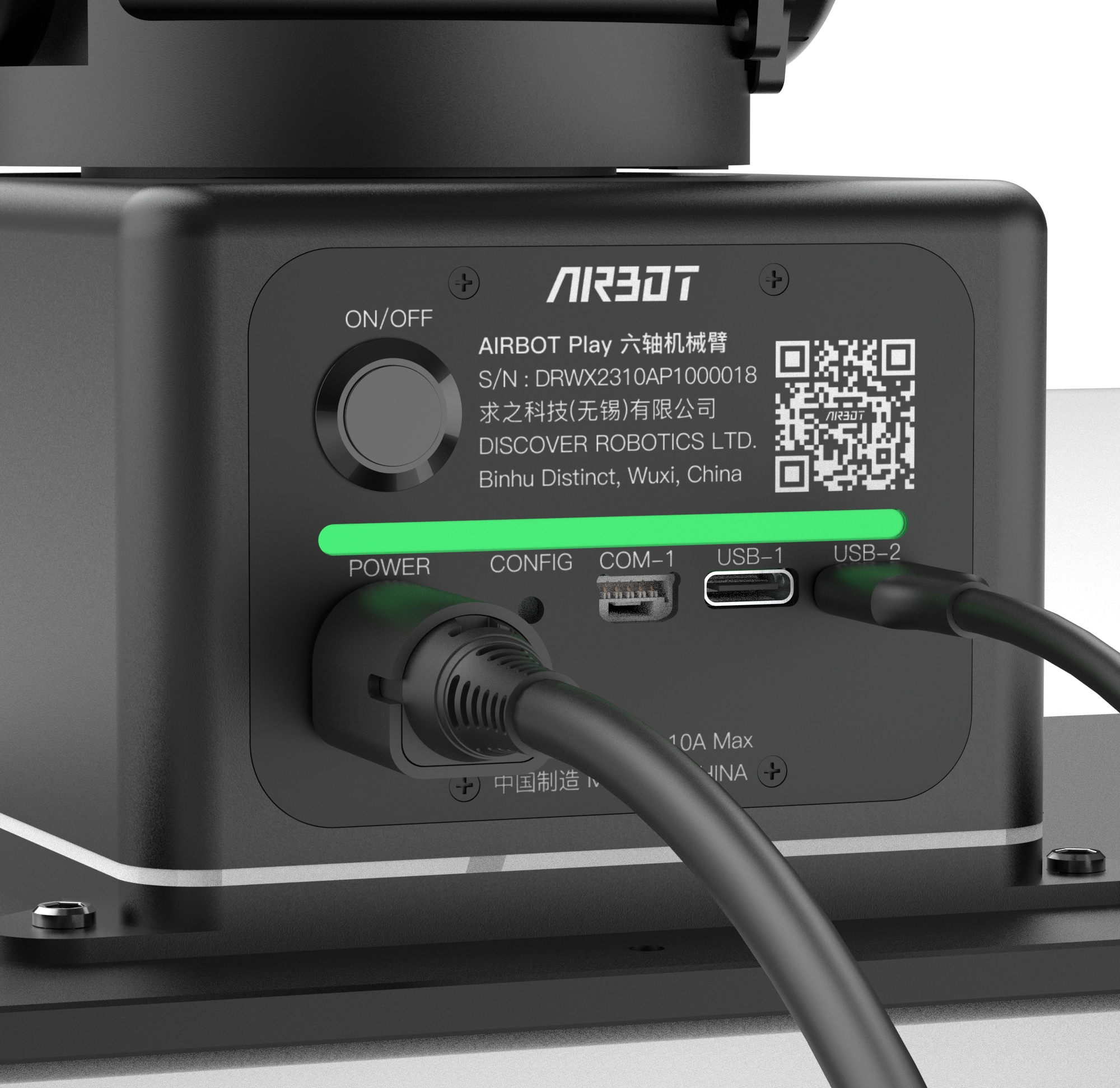
Power interface: Connects the robotic arm's power cable through the aviation connector output from the power adapter.
Caution
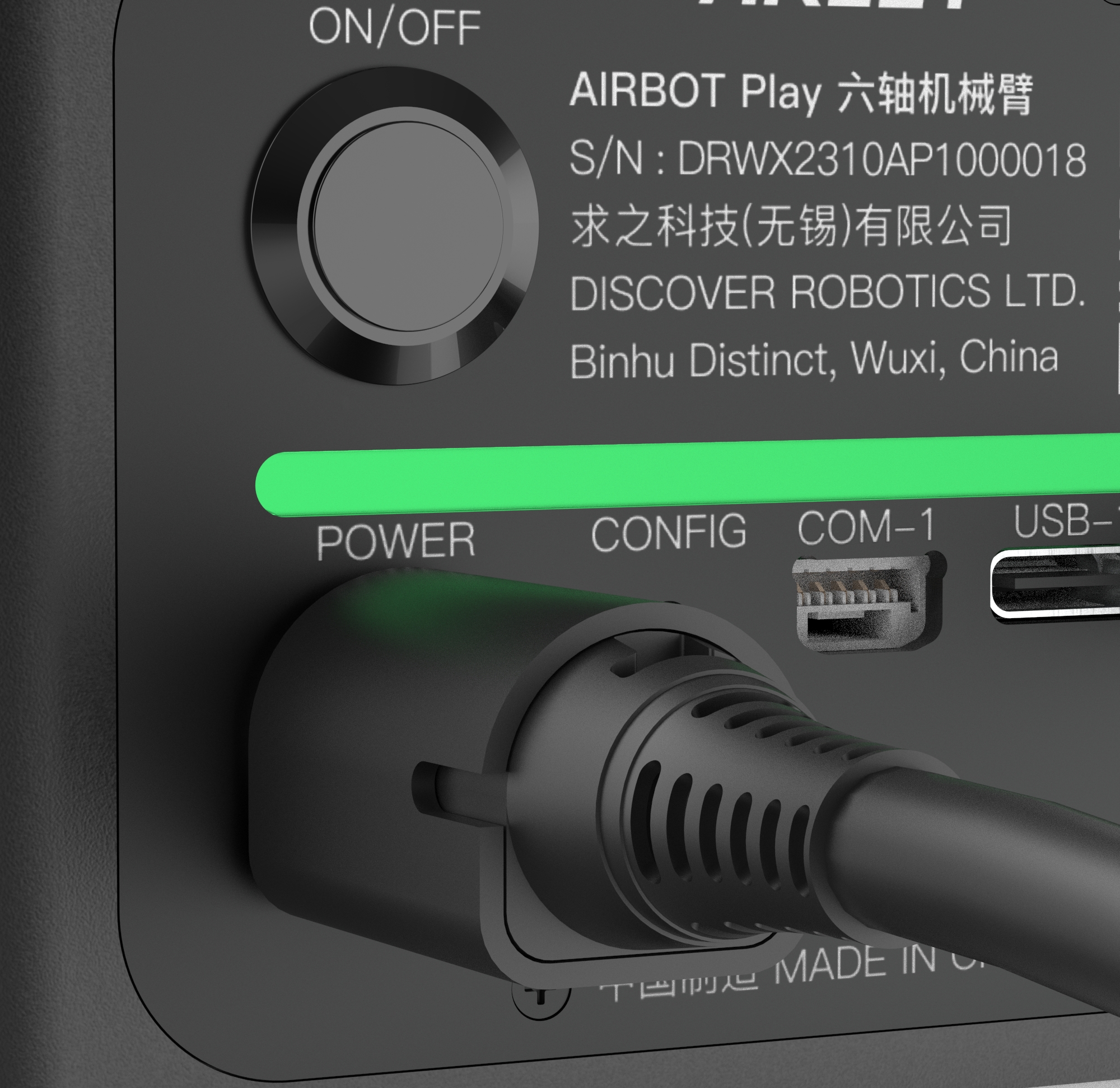
- When connecting the power adapter and power cable, push their connectors firmly together to ensure a secure connection.
- When connecting the power adapter's aviation connector to the power interface on the robotic arm's base panel, the connector's black flat side must face downward.
-
Signal interfaces: Connect signal cables.
USB
- The USB-1 (TypeC) interface transmits the tool-camera signal to the host computer for tool-end vision-sensor data transfer.
- The USB-2 (TypeC) interface connects to the host computer through a USB data cable for data transfer and control.
- After the signal cable is connected successfully, the status light bar begins flashing white. Once the driver service starts, the light bar begins flashing green and the robotic arm can be controlled by the computer.