▸ Quick Start
> Hardware Installation
Robotic Arm Installation and Mounting#
Caution
Install the robotic arm in an open area to prevent it from colliding with nearby people or objects during motion.
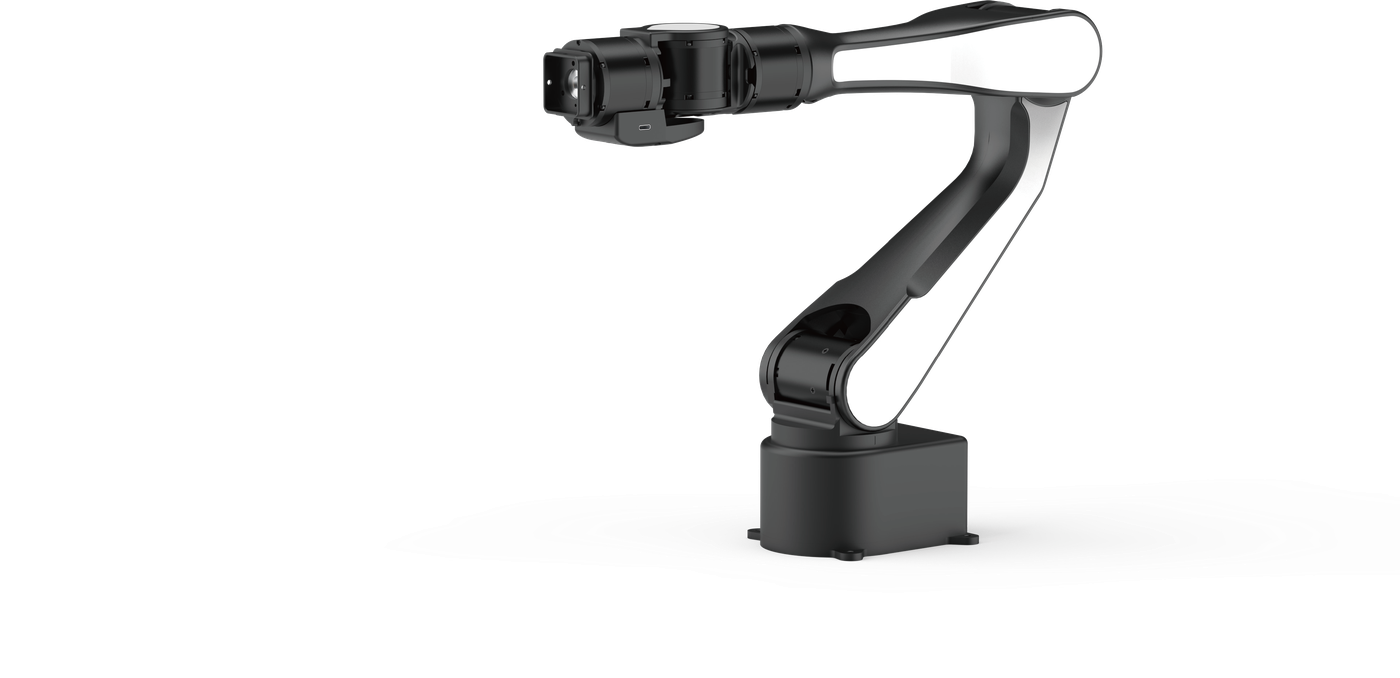
- Take out the robotic arm, mounting plate, four M4 screws, and L-shaped M4 wrench.
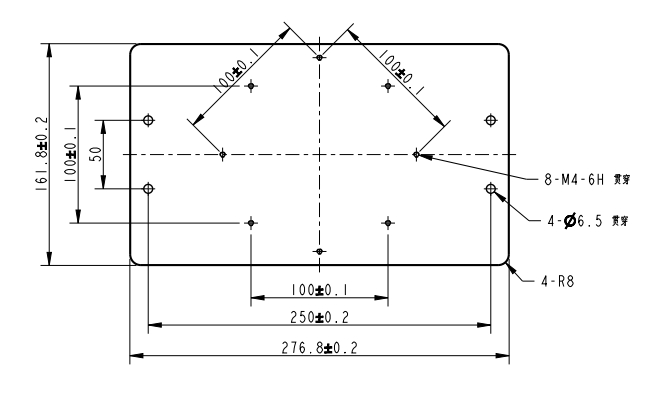
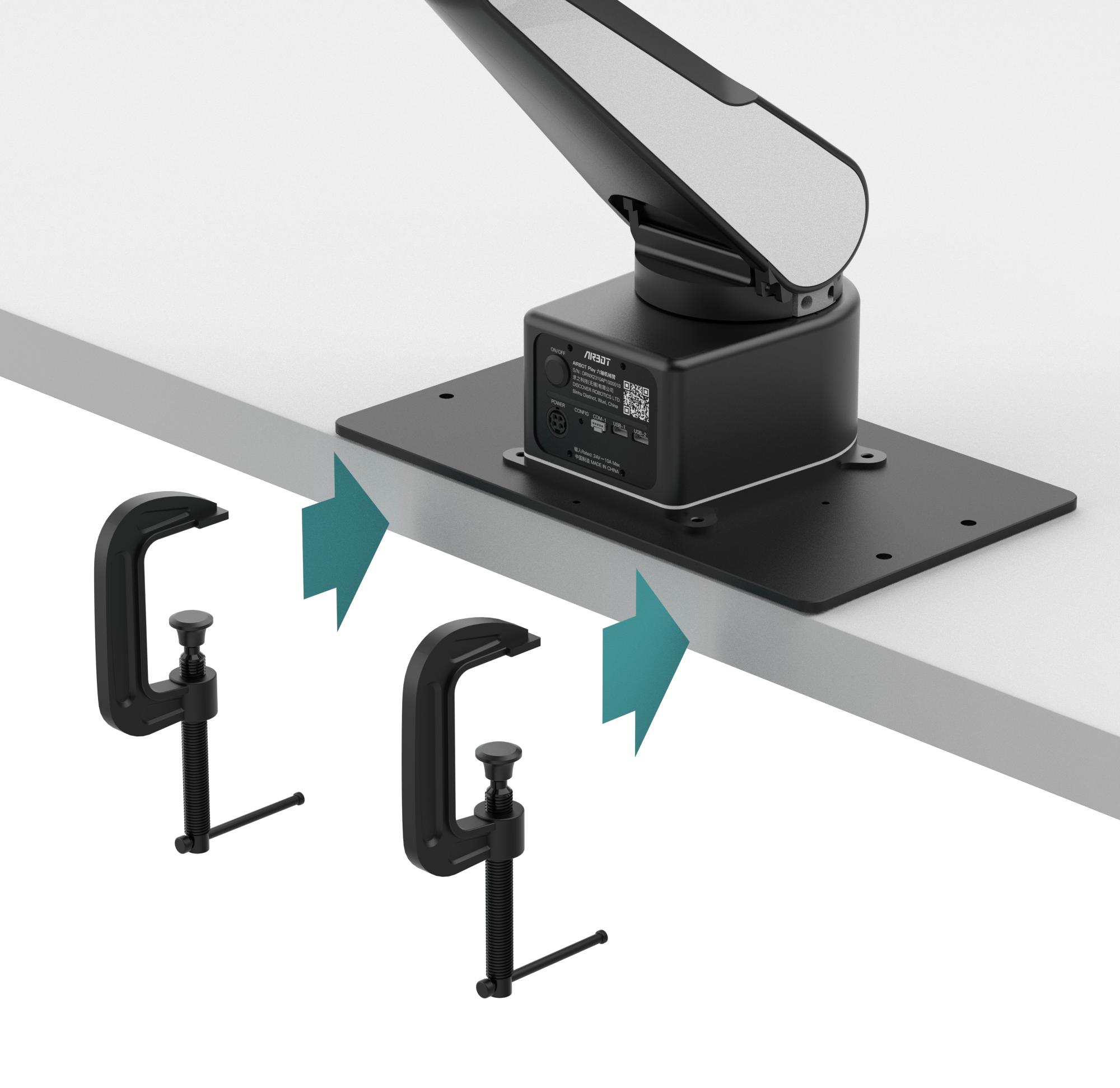
- The robotic arm base is secured with screws. The mounting plate can be used to attach the arm to the edge of a table: fasten the mounting plate to the table with two desktop mounting clamps, then secure the robotic arm to the mounting plate with four M4×10 screws. Depending on the application, the arm can be mounted horizontally, at a 45-degree angle, or vertically.
- To install the robotic arm on another device, design a mounting adapter based on the mounting plate's hole dimensions.