Power On and Off#
-
Connection precautions: The aviation connector on the robotic arm is keyed. Align it with the keying tab during wiring to ensure the correct orientation.
-
Power-on sequence: Connect all cables first, making sure the aviation connector and all other interfaces are secure. Connect the three-prong power cable last; the robotic arm will then power on automatically.
-
No hot plugging: Never connect or disconnect the robotic arm power cable, tool-gripper cable, or teaching-device cable while power is on, as this may damage the equipment.
-
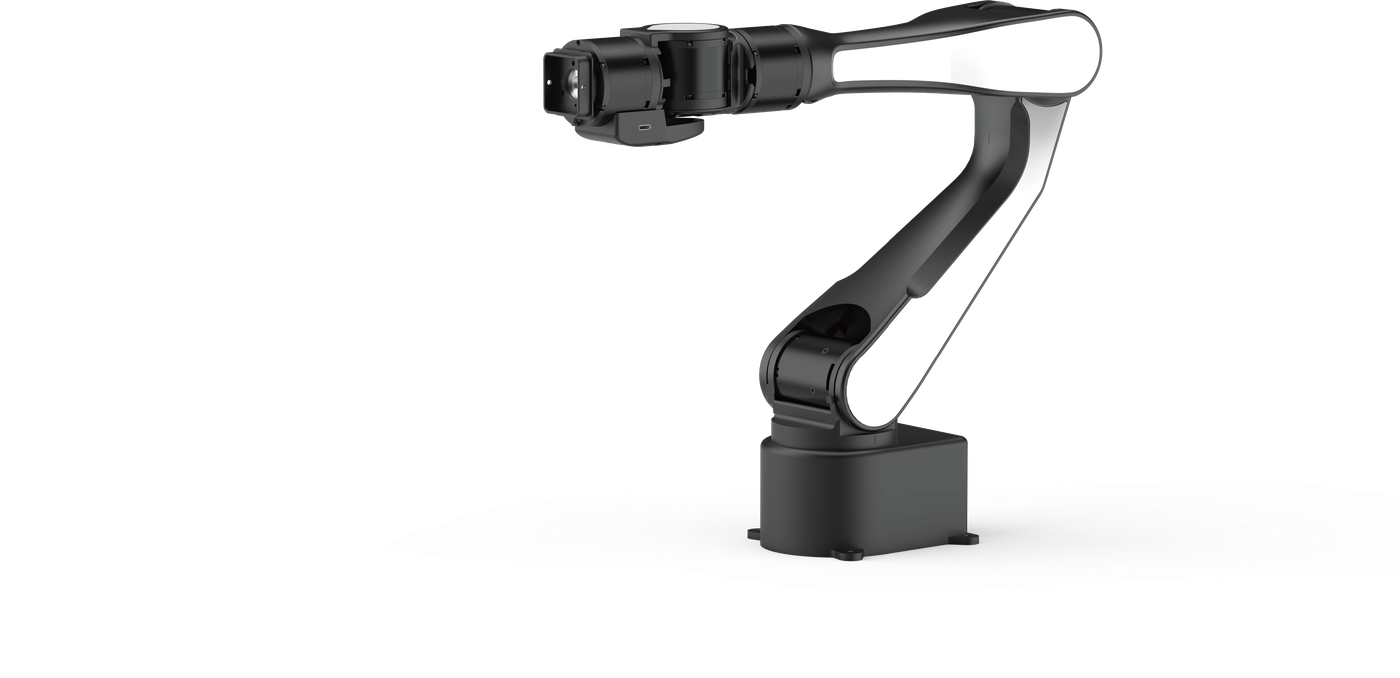
Routine use: Under normal conditions, AIRBOT Play can remain powered on continuously and does not need to be switched on and off frequently.
Startup Initialization and Self-Test#
AIRBOT Play initiates a startup self-test after power is applied and allows the user to perform zero calibration if the zero reference has been lost.