User Manual
> Hardware Installation
Robot Arm Installation and Securing#
Note:
During installation, make sure the robot arm is in an open area to prevent it from colliding with nearby people or objects when it moves.
-
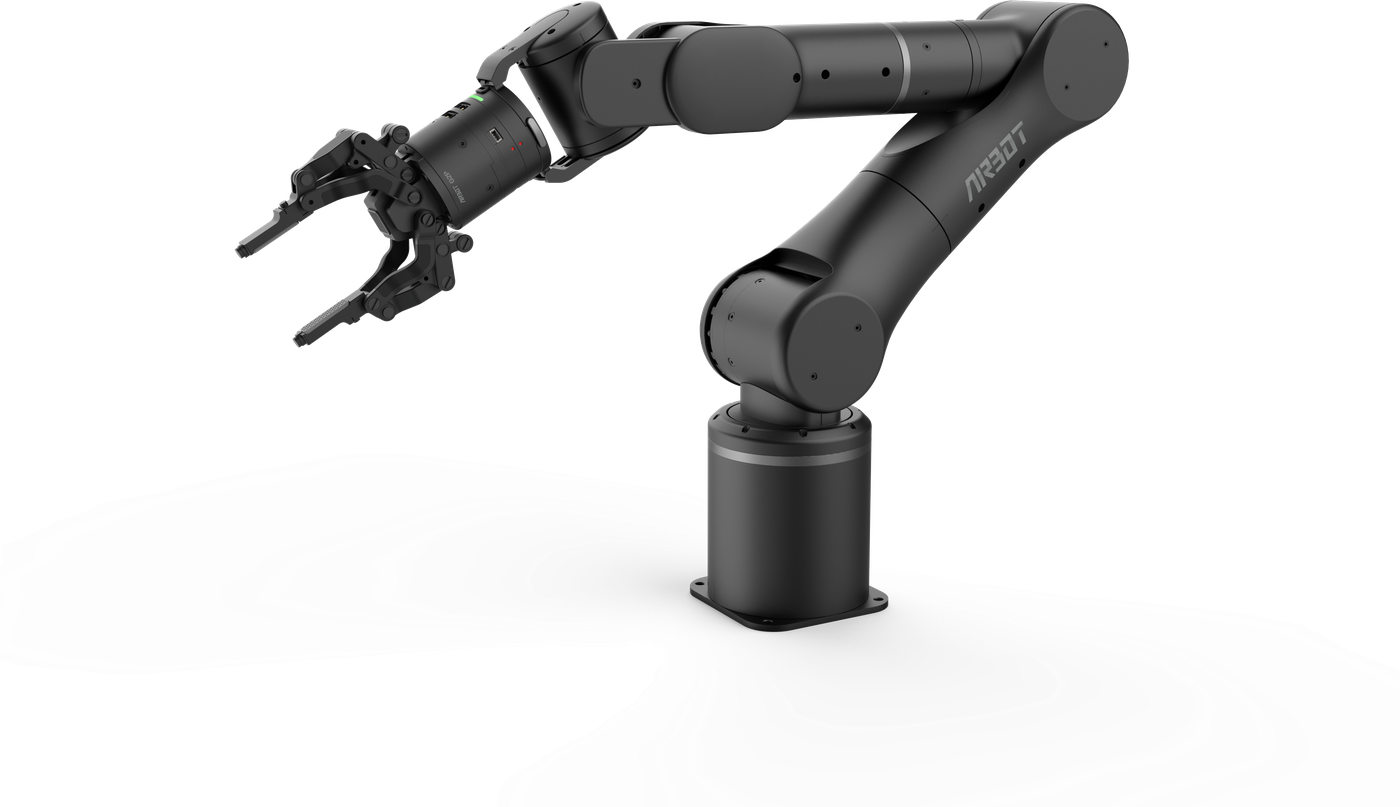
Remove the robot arm, base adapter plate, 4 M5 screws, and L-shaped M5 wrench.
-
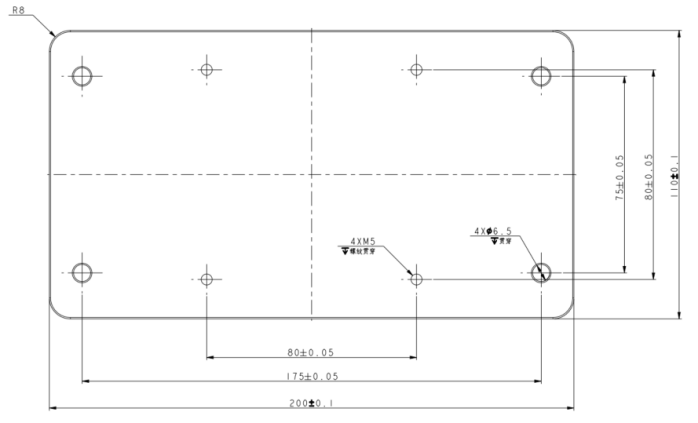
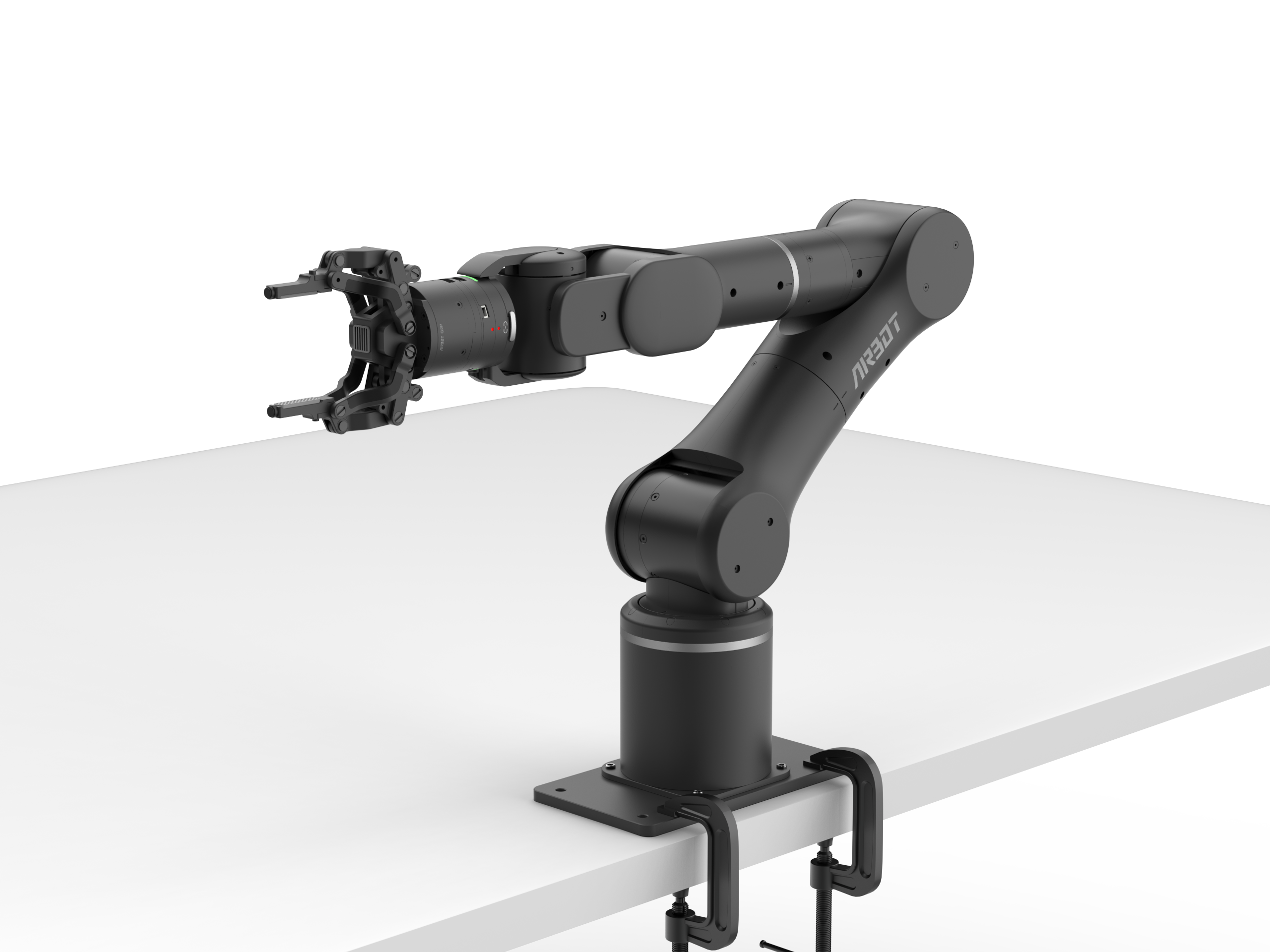
Secure the robot arm base to the mounting plate with screws, and then use the mounting plate to secure the robot arm at the edge of a table. Use two desktop mounting clamps to secure the mounting baseplate to the table, and then use four M5 screws to secure the robot arm to the mounting baseplate. The arm may be secured at different angles for different use scenarios: horizontal, tilted 45 degrees, or vertical. (Photo to be replaced.)
- To install the robot arm on other equipment, users can design their own mounting adapter based on the mounting baseplate hole dimensions.