End-Effector Installation and Removal#
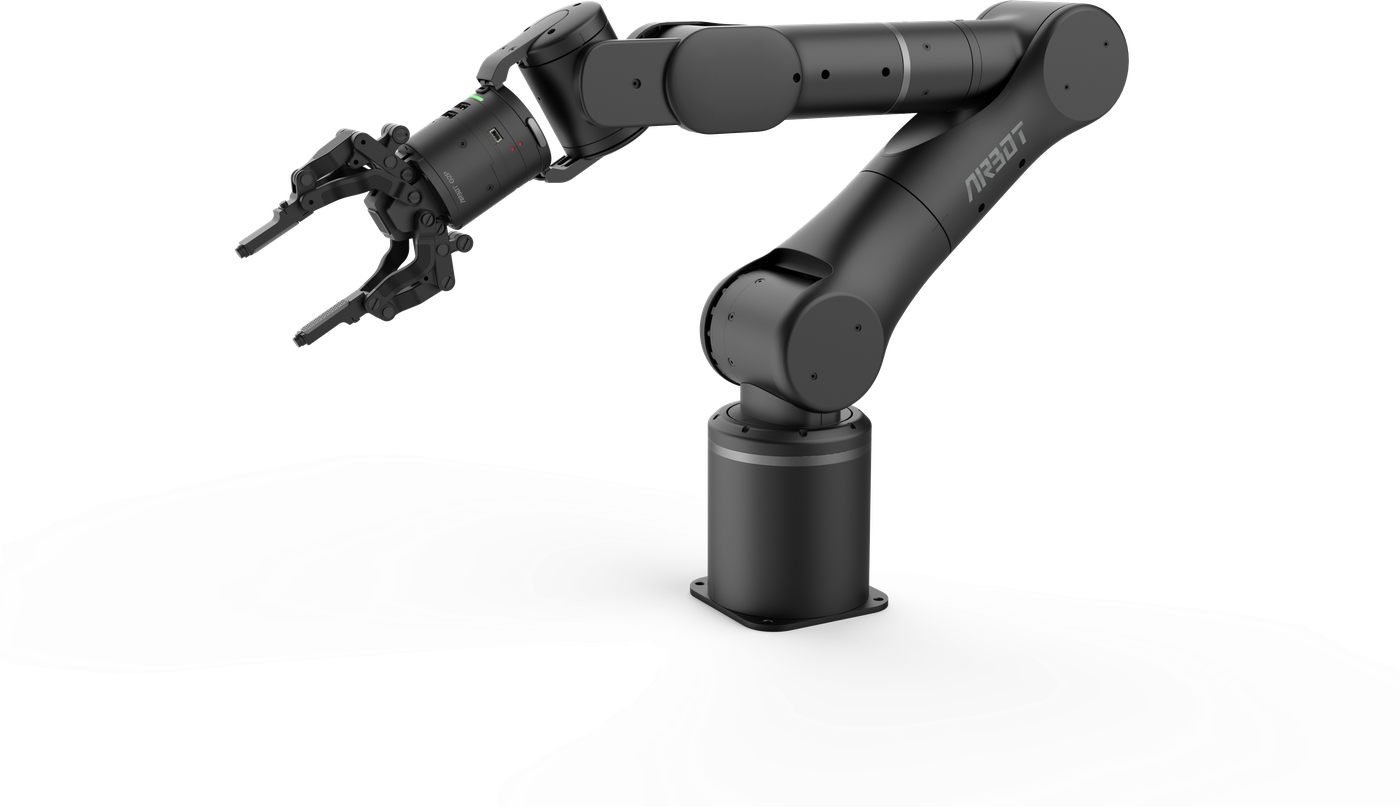
AIRBOT P7 currently supports only one official end-effector version. The robot arm can start and operate whether or not an end effector is connected:
- AIRBOT G2P: a two-finger gripper, code G2P. AIRBOT G2P is AIRBOT P7's standard end effector. This officially developed second-generation gripper uses a motor to control opening and closing, supports adaptive enveloping and parallel grasping modes, adds touch and replaceable fingertip functions, supports collision protection, and weighs only 362g (excluding the quick-release module).
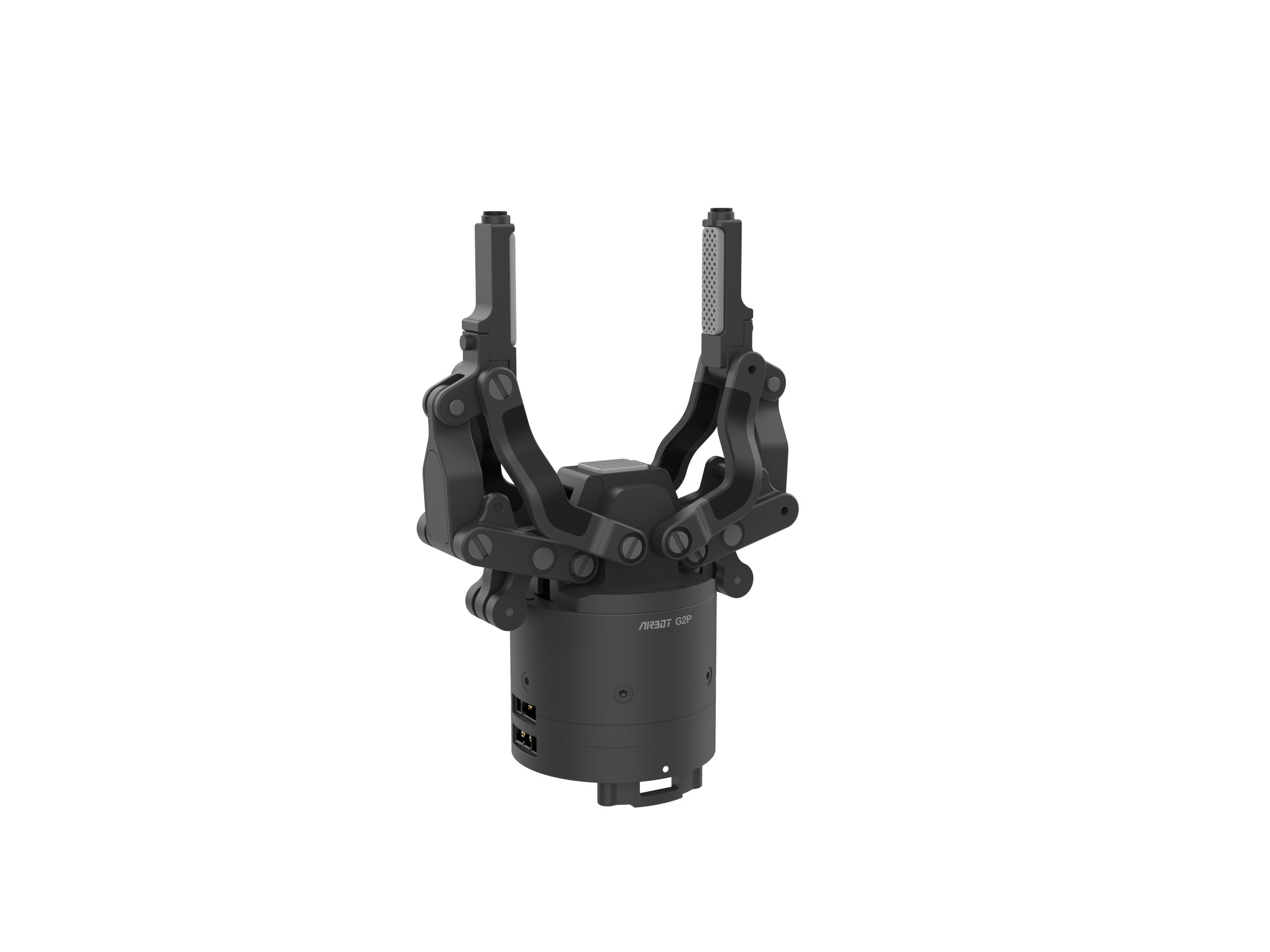
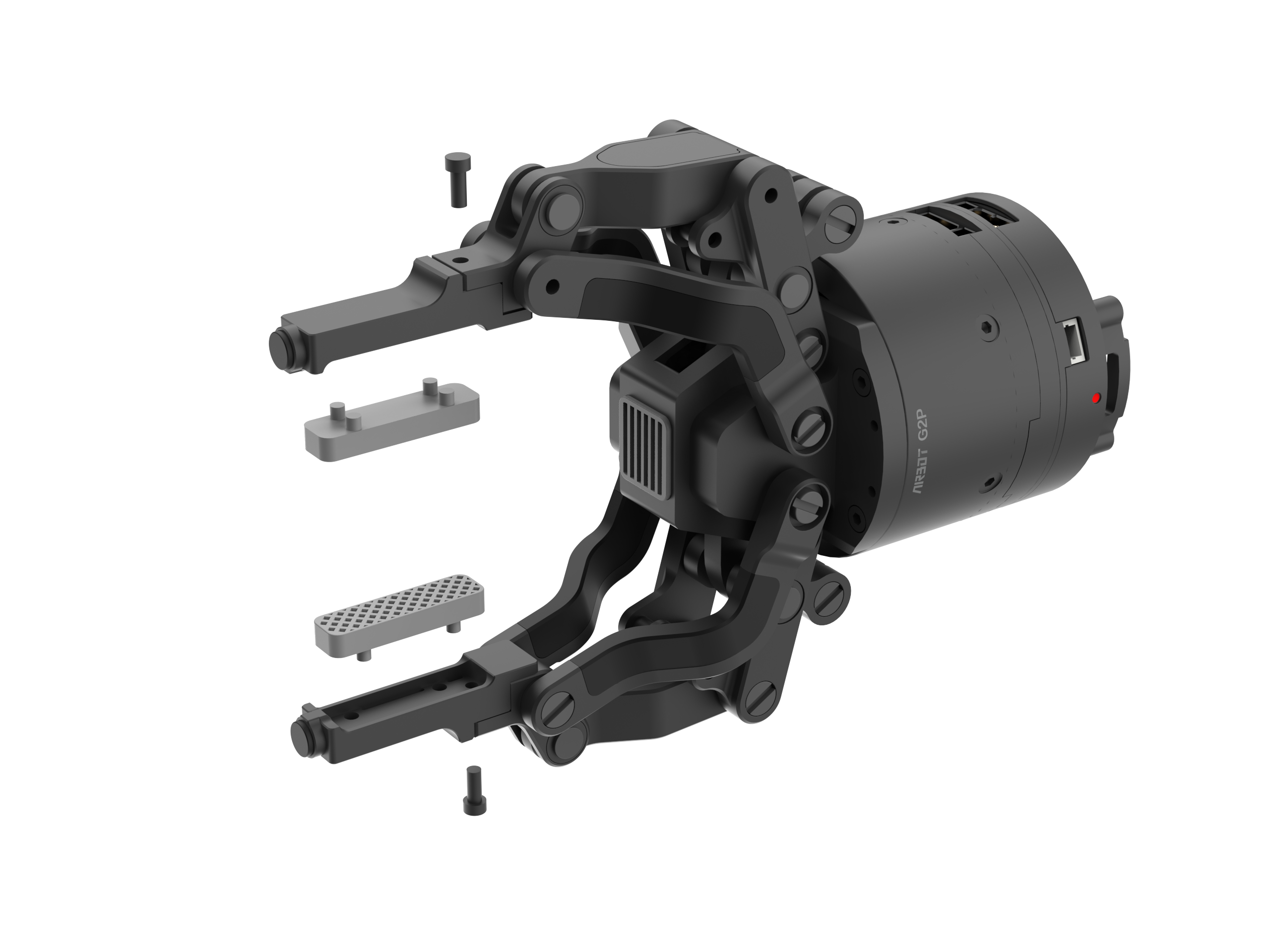
Note: AIRBOT P7 does not currently support other end effectors.
Camera support:
If a camera connector is required to secure a camera, install it between the end connector and gripper. Contact the technical support team for connector accessories and drawings.
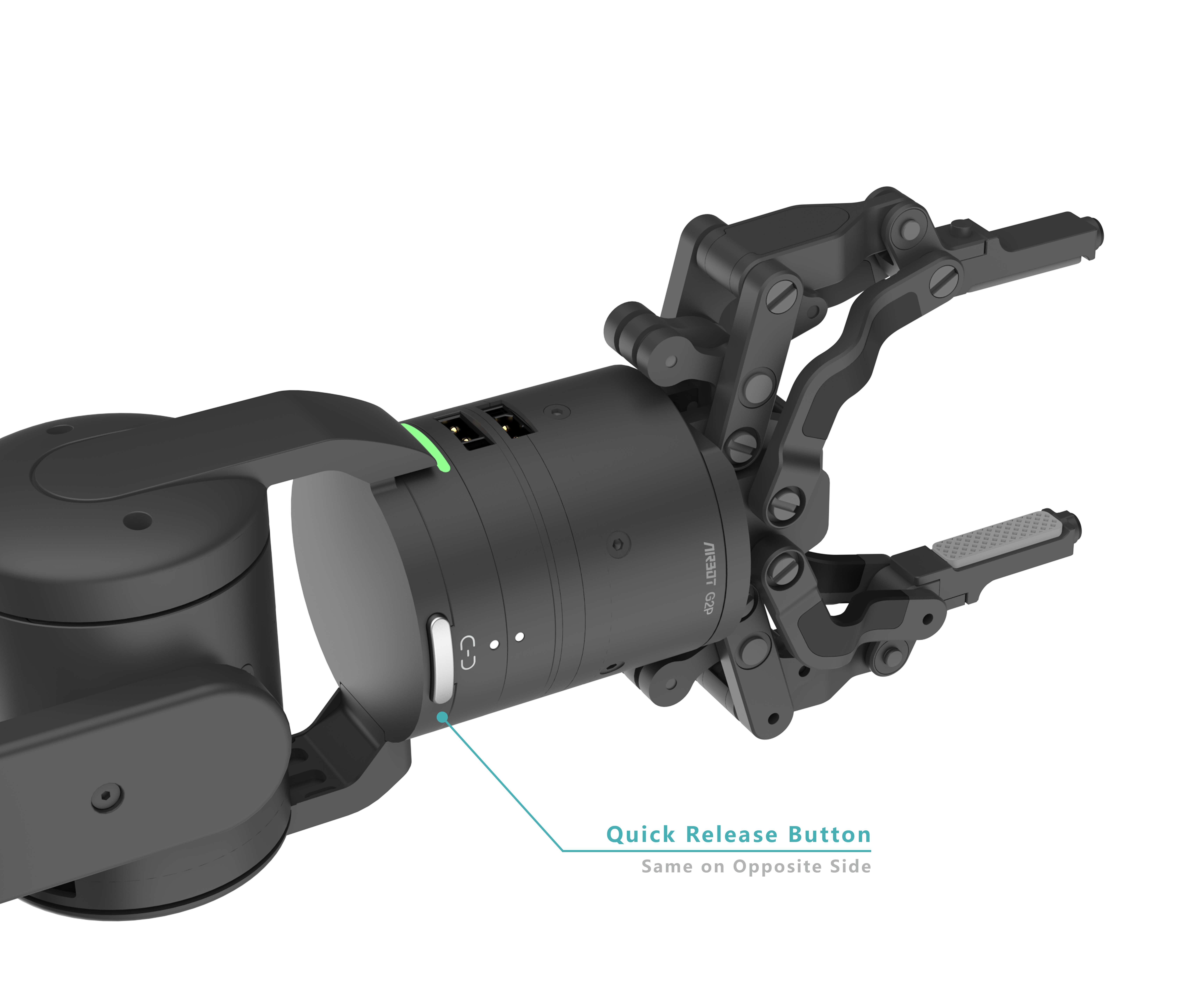
Installation preparation and procedure: the robot-arm end quick-release connector is shown below and is installed by default at the factory. Install the end effector through the quick-release module at the robot-arm end:
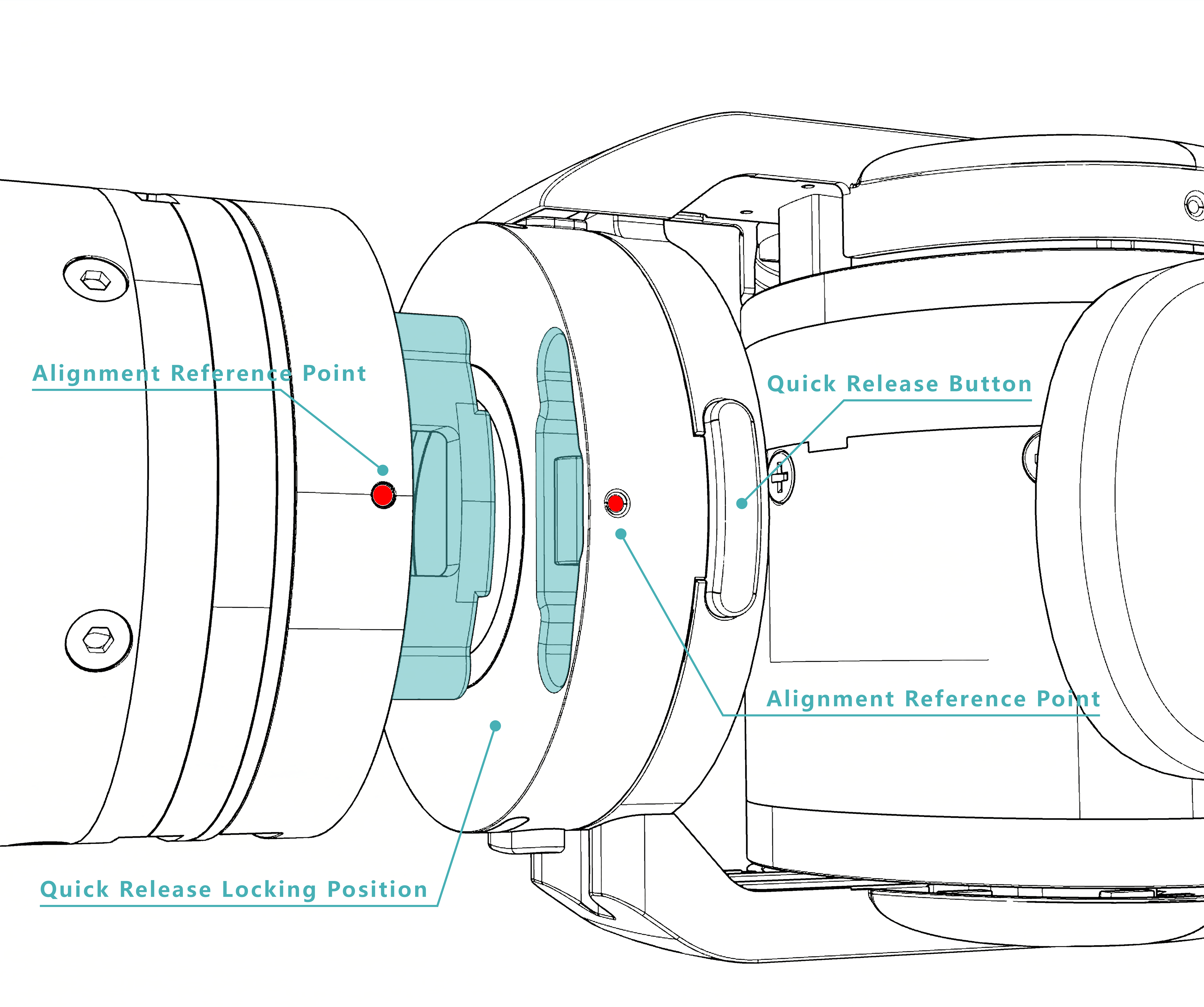
-
Align the small white indicator dots on the robot arm and second-generation gripper.
-
After aligning the quick-release module, a click indicates that installation is complete. After installation, gently pull the gripper to confirm that it is securely installed.
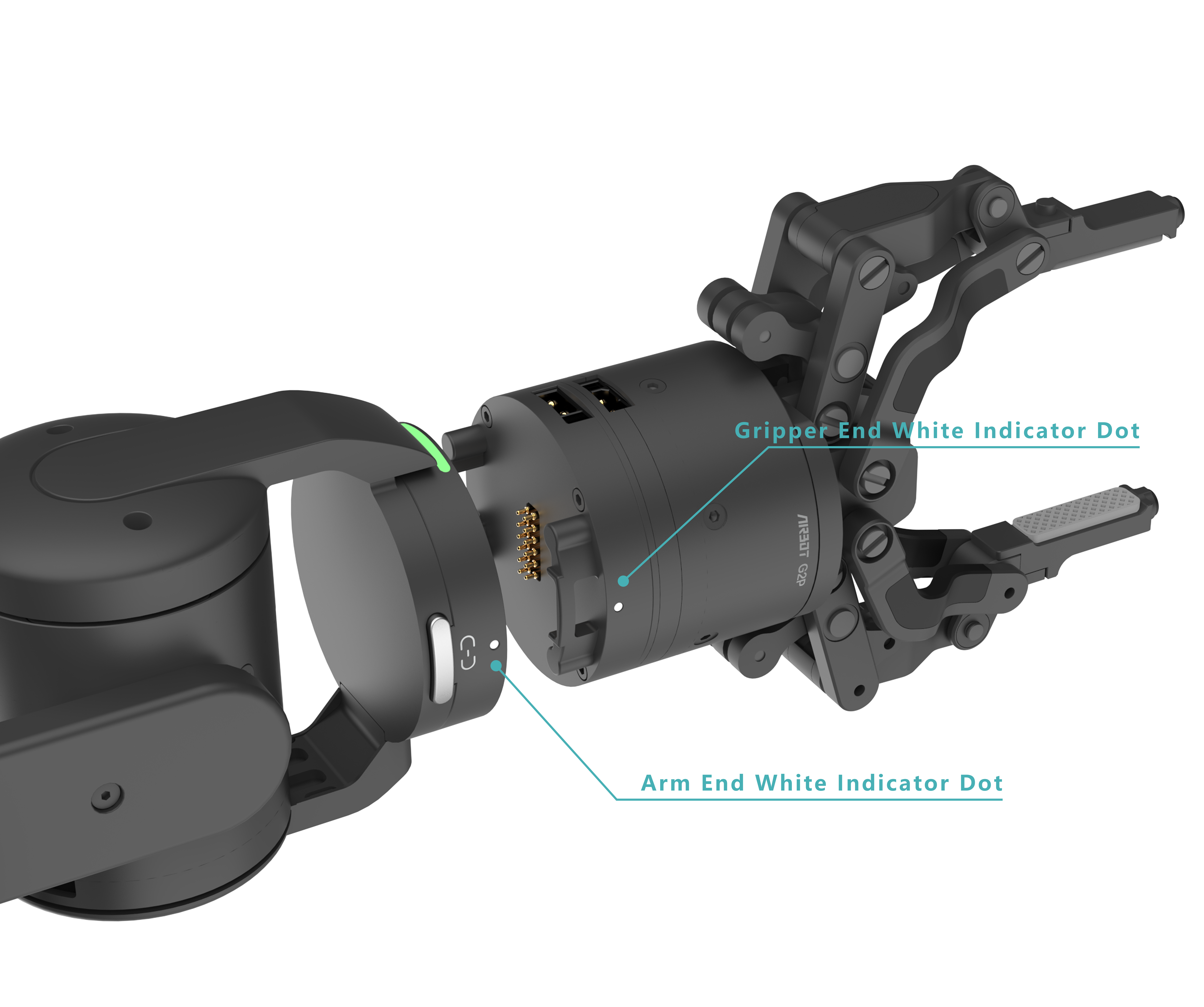

Removal preparation and procedure: the gripper supports hot plugging while the robot arm is in standby. Hold the gripper with one hand, place the thumb and index finger of the other hand on the quick-release buttons, and press the buttons firmly to remove the gripper.